
User/Account Time Zone Settings
In eSputnik, there are two types of time zone settings:
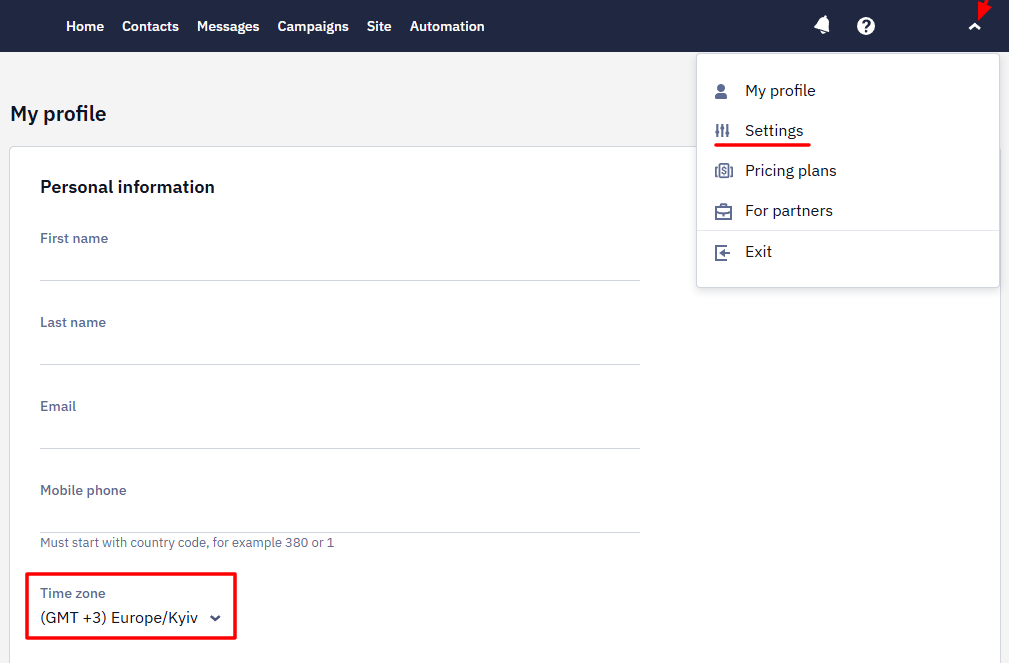
- User Time Zone — set in your My profile settings
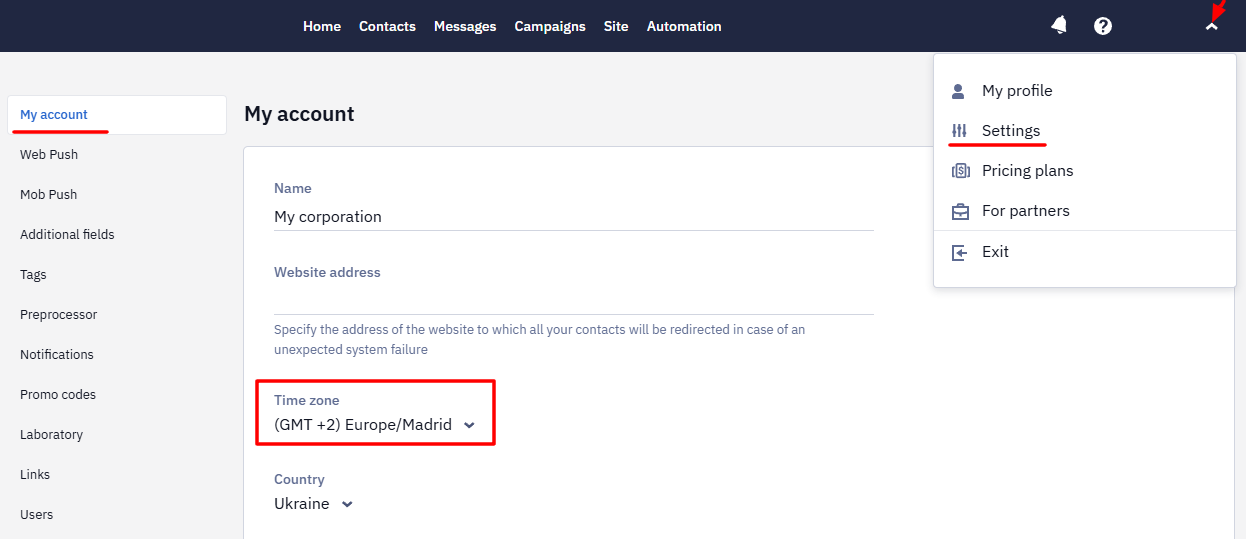
- Account Time Zone — set in your general Settings.
Each of these time zones serves a different purpose. Here's how they work.
User Time Zone (My Profile)
This setting affects only how time is displayed in the user interface for you personally.
For example:
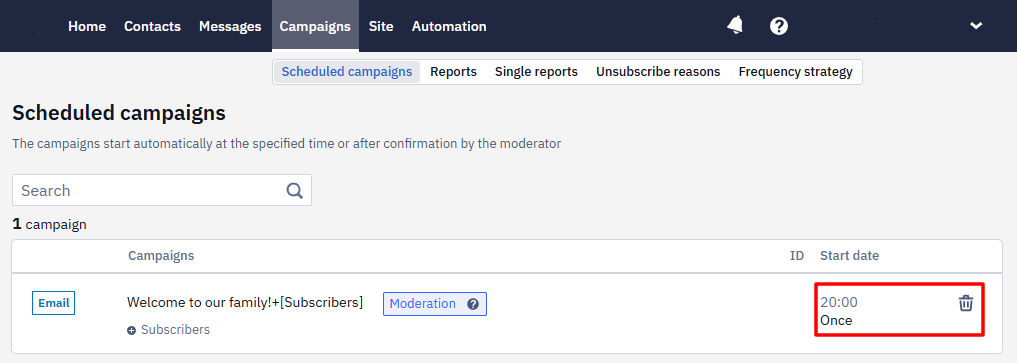
- If a campaign is scheduled to start at 18:00 Kyiv time (GMT+2), and your profile is set to GMT+4, you will see the scheduled time as 20:00 in the UI. The actual send time won’t change — only how you see it.
Account Time Zone (General Settings)
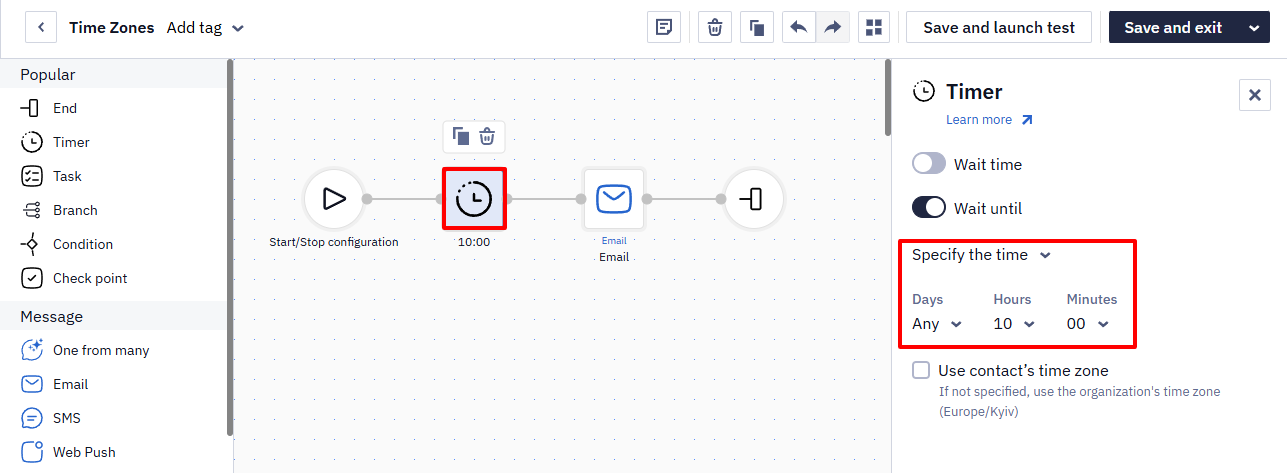
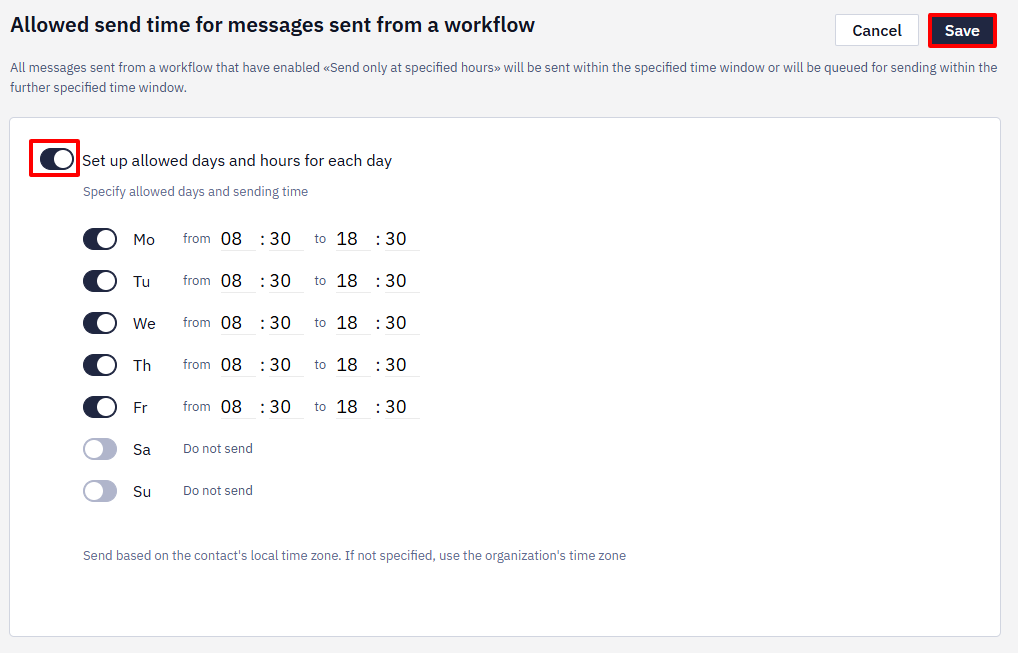
This is the default time zone used
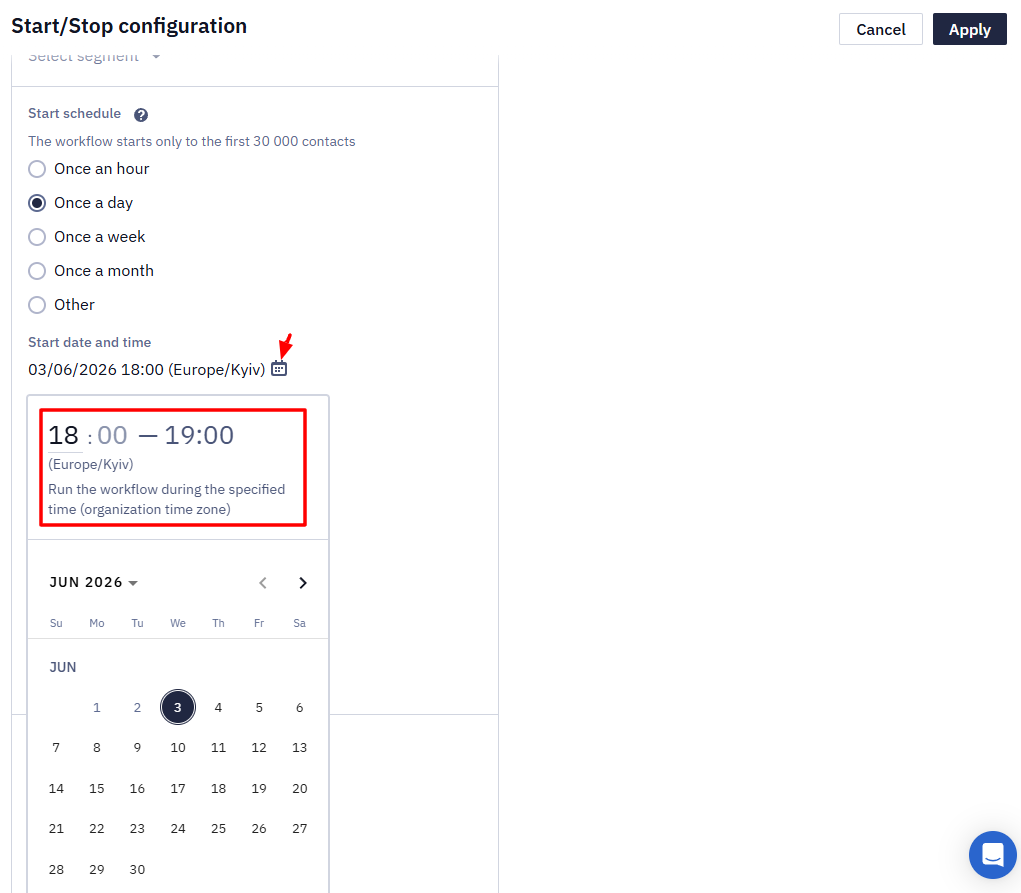
- In workflows’ Timer block
- In the allowed send time settings
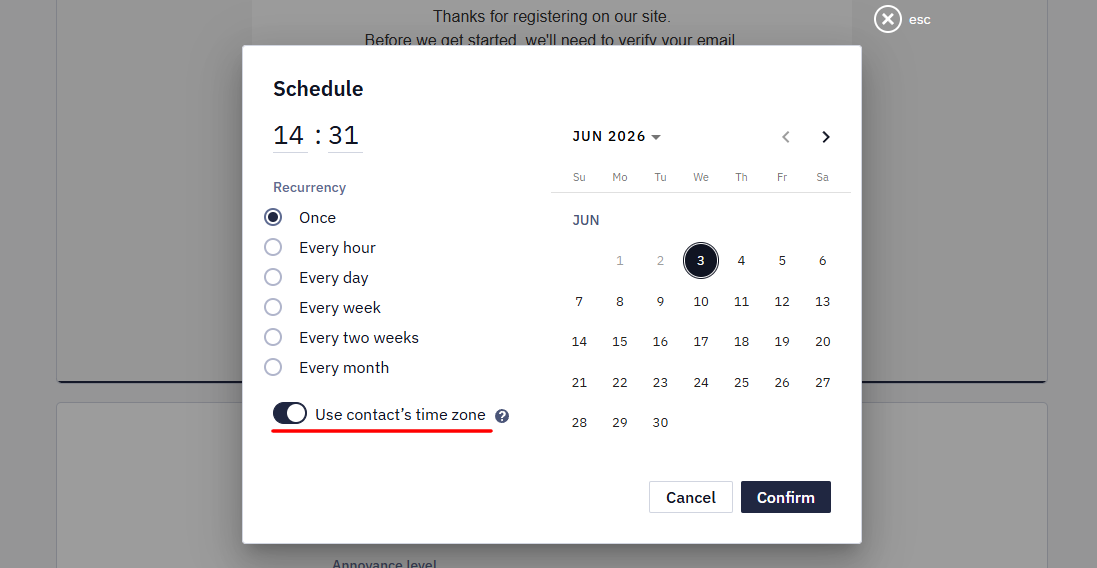
- When using the contact’s time zone:
- Each contact will receive the message based on the time in their own time zone (if it’s defined).
- If a contact’s time zone is not specified, the message will be sent according to the account time zone.
Time Zone in API Responses
API responses return the time as a string with no time zone in it, for example 2026-08-14T14:41:54. The value belongs to the time zone of the user whose key the request uses — the one selected in that user's profile — and it follows daylight saving time, so the values shift by an hour when the clocks change.
To receive the time in UTC, send the requests with the key of a user whose time zone is UTC. The methods cannot add the offset to the value, as in 2026-08-14T14:41:54+03:00.
Summary
| Setting | Purpose |
|---|---|
| User Time Zone | Controls how time appears in the UI for that user. |
| Account Time Zone | Controls the default send time for messages and workflows. |
Updated 4 days ago