
Designing Recommendations in Email
Let’s consider the design features of an email template with products from viewed/cart/recommendations, etc.
Selecting Template
You can create an email based on the system's basic templates. Go to Messages → Messages, click New Email, and select Abandoned cart or Abandoned browse in the Gallery tab:
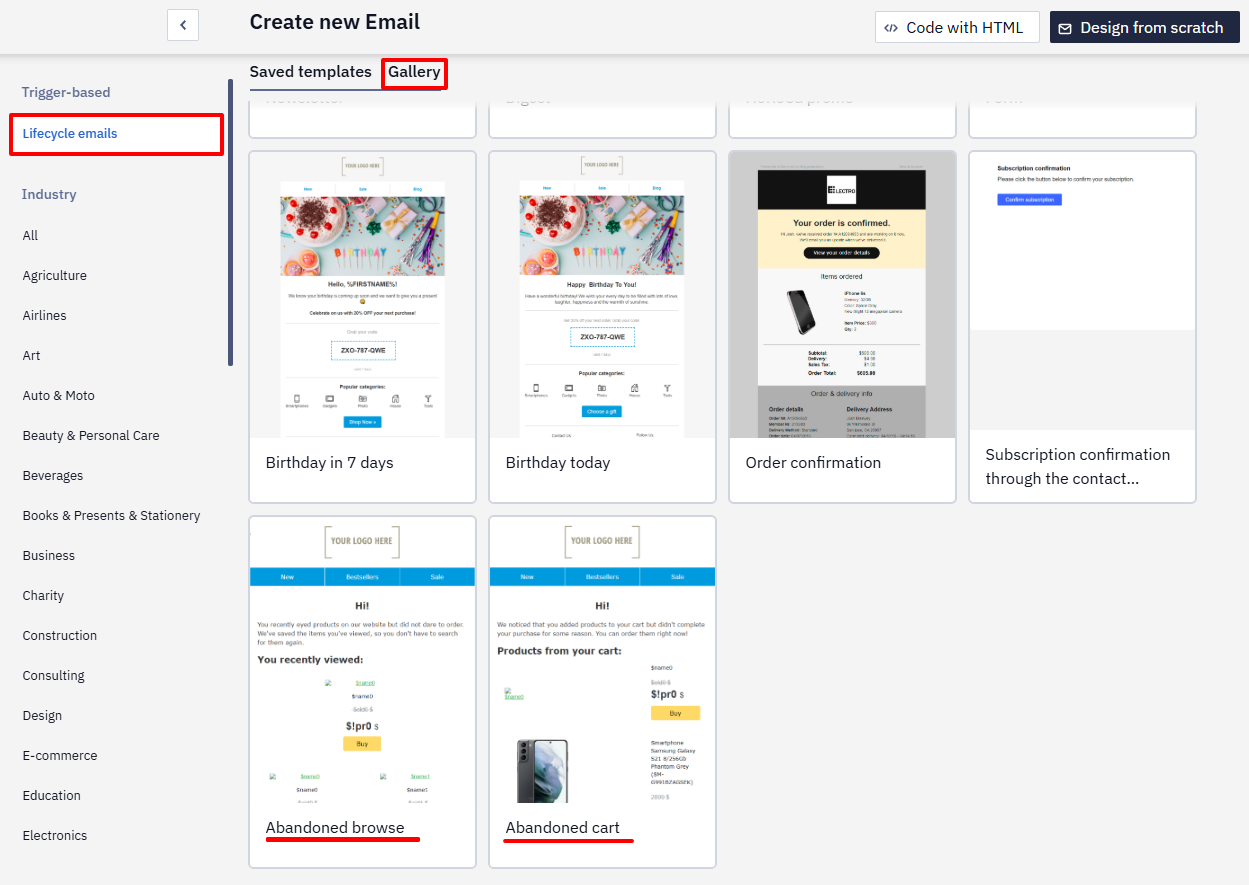
The Abandoned browse template is universal because it contains several structures with a different number of cards in them. Such a template is suitable not only for triggers based on user browses but also for any other, where, for example, product recommendations are used. The Abandoned browse template already contains all the necessary variables. You just need to adjust the data substitution according to the instructions.
If the proposed recommendation block layout is unsuitable, you can create them yourself. After that, request [email protected] so our specialists set up a dynamic content substitution.
Designing Recommendation Blocks
Customize the appearance of the email and product cards following your campaigns’ design. Structurally, in addition to the standard elements — header, footer, information block — the message must contain:
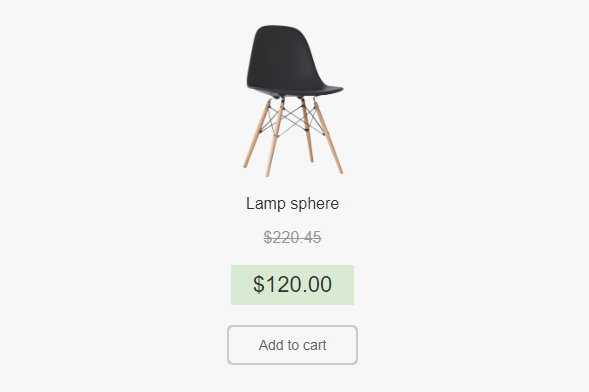
- Block with one card if a user browses one product;
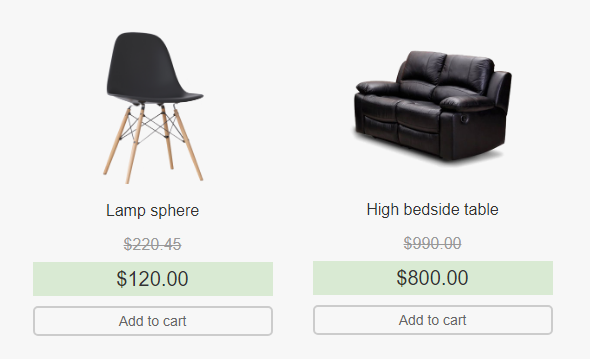
- Block with two cards;
- Block with three cards.
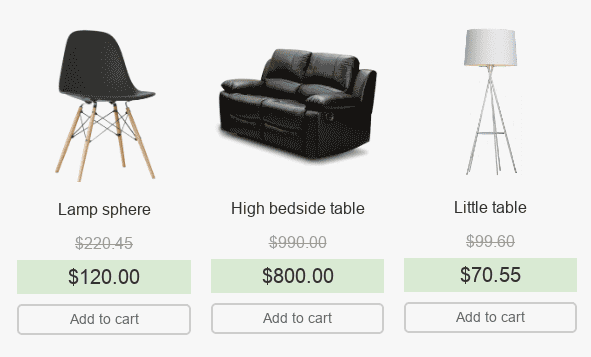
Lay out structures with a different set of cards in the same stripe, one under the other.
If a user browses 15 products during a session, the last 6 products will be displayed in the email (by default), so there is no need to make up more than 3 product cards in the structure.
If the products in your emails are displayed one in a row, then you do not need to make up stripes with 1, 2, or 3 products.
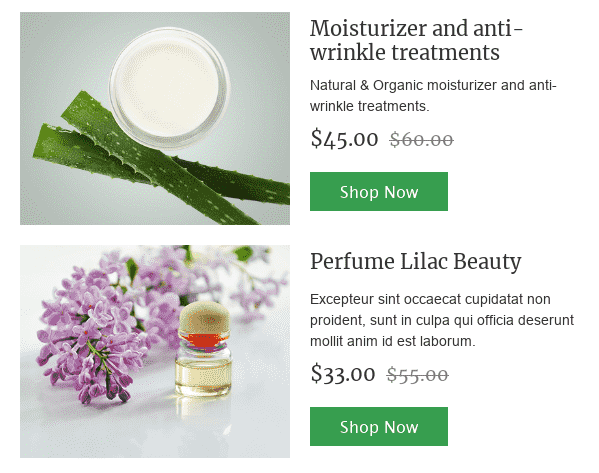
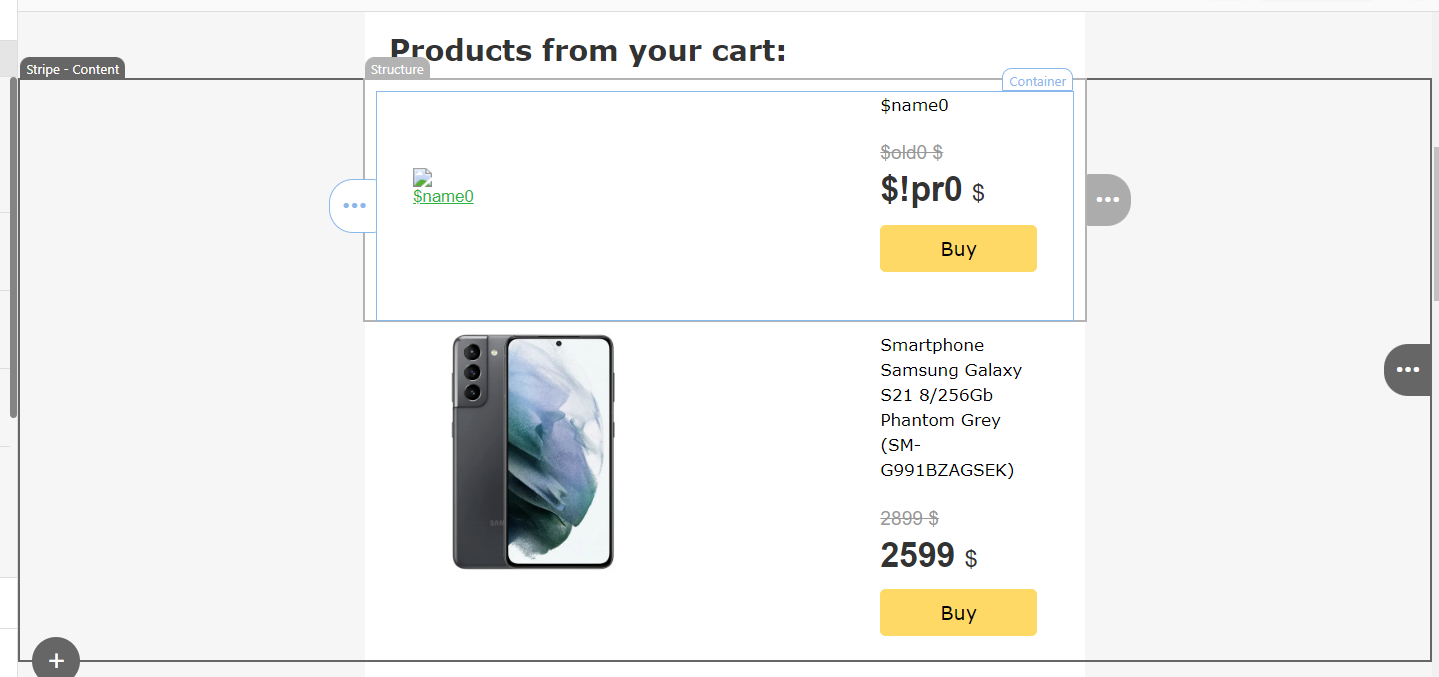
You can copy such a block from the Abandoned cart template.
Prepare in advance the entire chain of messages that will participate in the workflow.
Updated 2 days ago